

🎮 How to Fix “Remote Control Not Working” in IPTV Apps
You press “Down”, but the cursor doesn’t move. You press “OK”, and nothing happens.
This usually happens because the app is designed for touchscreens (phones), not TV remotes. Here is the fix.
1. You Installed the Wrong Version
Many apps have two versions: Mobile and TV.
If you install the Mobile version on your Fire Stick, your remote won’t work properly.
The Fix: Uninstall the app and look for the “Android TV” or “Fire TV” version.
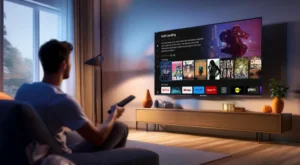
Get the TV version, not the phone version.
2. Use “Mouse Toggle”
If you absolutely must use a mobile app on your TV, install “Mouse Toggle”.
This app creates a fake mouse cursor on your screen that you can move with your remote.
- Install “Mouse Toggle” from the Downloader app.
- Double-click the Play/Pause button on your remote.
- A mouse pointer will appear. Use it to click buttons.
🚀 Conclusion
Always download the TV version of the app. If you can’t, use Mouse Toggle.
👉 Need remote-friendly apps? Visit iptvsmarters-pro.net/
Happy clicking! 🎮📺