

⏮️ How to Watch Catch-Up TV on IPTV Apps (2025)
You missed the big game last night. Can you watch it now?
If your IPTV provider has “Catch-Up TV”, the answer is yes. Here is how to use it.
What is Catch-Up TV?
Catch-Up TV lets you rewind live channels up to 7 days. If a show aired on Monday, you can watch it on Friday.
It’s like a DVR, but you don’t have to record anything.
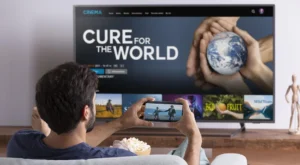
Never miss a show again.
How to Use Catch-Up in Smarters/TiviMate
- Open your channel list.
- Select a channel.
- Press the EPG button (TV Guide).
- Scroll back to yesterday or last week.
- Click on the show you want to watch.
The show will start playing from the beginning.
Not All Providers Have Catch-Up
Catch-Up TV is expensive for providers to maintain. Only premium services offer it.
If you don’t see past shows in your EPG, your provider doesn’t support it.
🚀 Conclusion
Catch-Up TV is one of the best features of modern IPTV. Make sure your provider supports it.
👉 Need a provider with 7-day catch-up? Visit iptvsmarters-pro.net/
Happy watching! ⏮️📺