
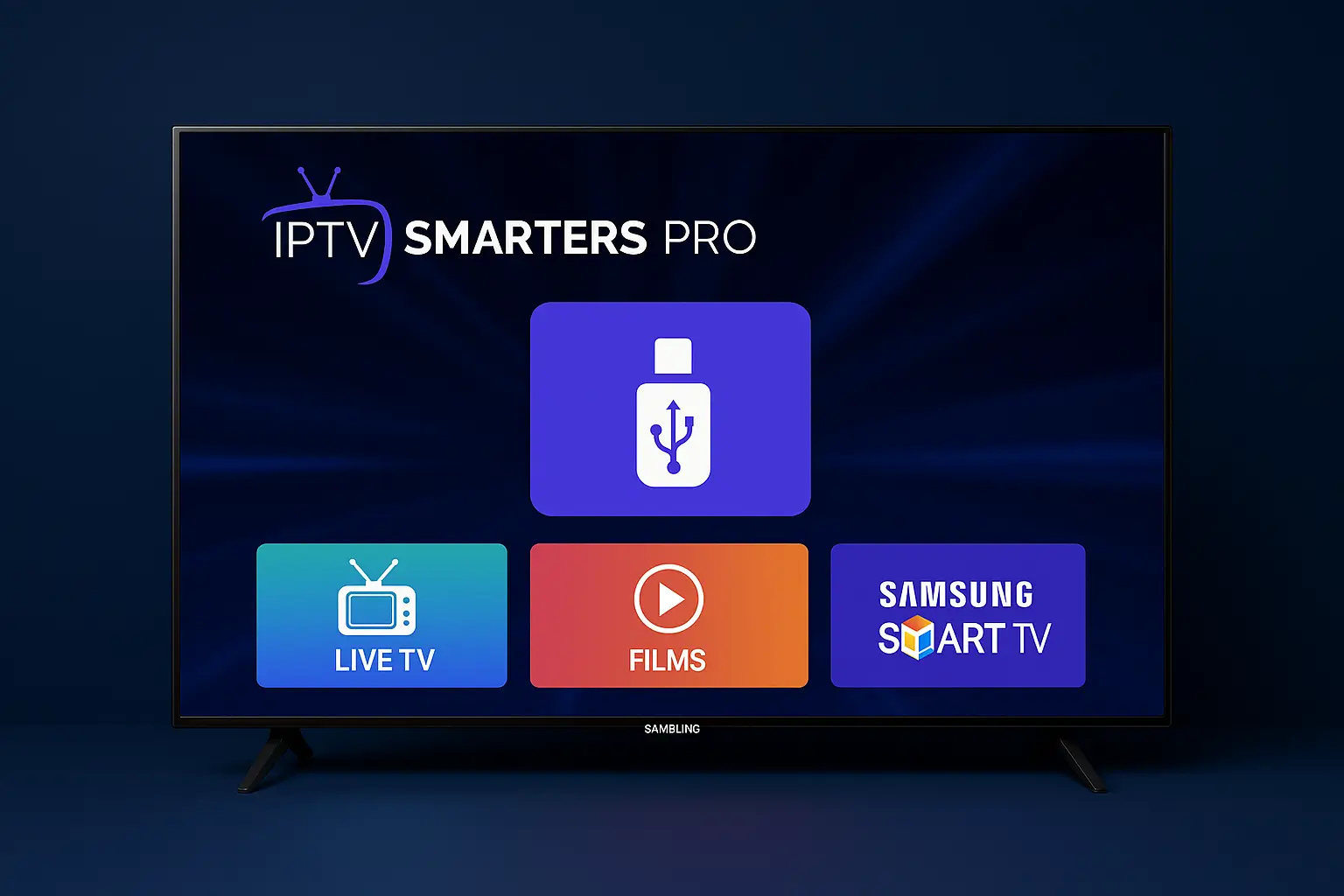
📺 IPTV Smarters Pro on Samsung TV – Full Tutorial
Want to watch IPTV on your Samsung TV? This guide helps you install IPTV Smarters Pro easy and fast. No USB needed. No tech skills.
✅ Option 1: Install from Samsung Smart Hub
-
Turn on your TV and connect to Wi-Fi.
-
Press the Home button on your remote.
-
Go to the Apps section (Smart Hub).
-
Use the Search bar and type: IPTV Smarters Pro.
-
If you find it, click Install.
-
Open the app and log in with your IPTV details.
👉 If the app does not show up, try Option 2.
🔁 Option 2: Change Region + Reset Smart Hub
Sometimes your country setting hides the app.
🗺 Change Region to USA or UK:
-
Go to Settings > General > System Manager
-
Select Country and set it to USA or UK
-
Press OK and restart the TV
🔄 Reset Smart Hub:
-
Go to Settings > Support > Device Care
-
Select Self Diagnosis > Reset Smart Hub
-
Enter your PIN (default is 0000)
-
Restart your TV again
-
Go back to Apps and search again
🔧 Option 3: Screen Mirror from Your Phone
If installation fails, try mirroring.
-
Install IPTV Smarters Pro on your Android phone
-
Open Smart View or Screen Cast on the phone
-
Select your Samsung TV from the list
-
Your phone screen will show on the TV
-
Use the IPTV app from your phone
⚠️ You need to use your phone to control the app.
🔌 Option 4: Use Firestick or Android TV Box
The most stable way to use IPTV:
-
Plug a Firestick, Android TV box, or Google TV into HDMI port
-
Install IPTV Smarters Pro on that device
-
Use remote to watch IPTV directly
✅ Works with all TVs, fast, and easy to update
🛠 Best for long-term use
🧠 Tips & Notes
| Problem | Solution |
|---|---|
| App not in App Store | Change region to USA/UK |
| Can’t install app | Use Firestick or mirror phone |
| App freezes or crashes | Update TV software in settings |
| No IPTV login info | Contact your IPTV provider |
📌 Summary
| Method | Needs USB? | Easy to Use? | Best For |
|---|---|---|---|
| Smart Hub Install | ❌ | ✅ | Newer Samsung TVs |
| Region Change | ❌ | ✅ | Hidden app issues |
| Screen Mirroring | ❌ | ⚠️ | Quick test use |
| Firestick/Box | ❌ | ✅✅ | Best quality & control |
Want more help?
👉 Visit IBOMAXPro.com to explore IPTV offers
👉 Read tips on TopFireStick.com for Firestick setups
Enjoy IPTV Smarters Pro on your Samsung TV 📺
No USB. No stress. Just plug, play, and stream!